Skill-Finder: The Meta-Skill That Automates Your AI Workflow
Automatic skill discovery and installation for Claude
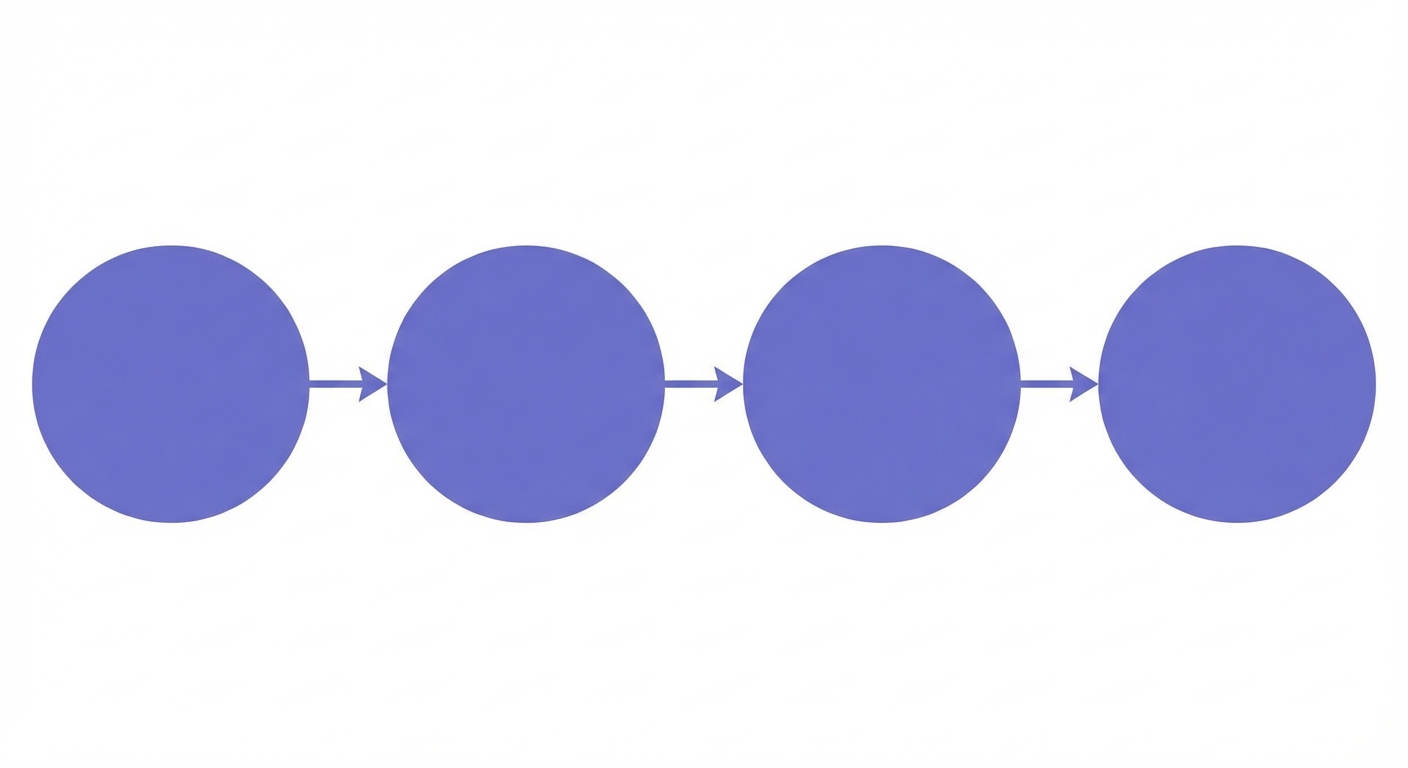
Skill-finder is a meta-skill that teaches Claude to automatically search the Skill Registry and install relevant skills before starting any task. Install it with sr install skill-finder, and Claude will proactively find specialized skills for integrations like Slack, PostHog, or PDF generation, applying battle-tested patterns without manual searches. It works by detecting task triggers, extracting keywords, querying the registry, and applying installed skill patterns to your implementation.
What if your AI assistant could find its own tools? What if it knew when to search for help, where to find it, and how to apply it, all without you lifting a finger?
That’s exactly what skill-finder does. It’s a meta-skill: a skill that helps your AI use other skills better. And once you install it, you’ll wonder how you ever worked without it.
The Problem: Manual Skill Discovery Is a Time Sink
Here’s a scenario that plays out constantly. You’re working with Claude, building a feature, debugging an issue, or setting up an integration. You know there might be a skill that helps. So you pause. You open the Skill Registry. You search. You scroll. You find something promising. You install it. You read through it. Then you go back to your task.
That entire detour might take only two minutes. But those two minutes add up. More importantly, they break your flow. Every context switch, even a small one, costs mental energy. And sometimes you skip the search entirely because it feels like friction. You settle for Claude’s general knowledge when a specialized skill could have done it better.
The irony? Searching for skills is exactly the kind of repetitive, pattern-matching task that AI handles well. So why are we doing it manually?
What Is a Meta-Skill?
Most skills teach Claude how to do something specific. The Slack skill teaches it to send messages and read channels. The PostHog skill teaches it to implement analytics. The PDF skill teaches it to generate documents.
A meta-skill is different. It doesn’t teach Claude a specific capability. It enhances how Claude uses its other capabilities. Think of it as teaching Claude to fish instead of giving it a fish.
Skill-finder is the purest expression of this idea. It teaches Claude to proactively search for relevant skills before starting any task. Instead of waiting for you to say “Hey, search the registry for a Slack skill,” Claude does it automatically when you mention Slack. The skill becomes invisible. You just get better results.
This creates a powerful feedback loop. The more skills that exist in the registry, the more valuable skill-finder becomes. And the more people use skill-finder, the more they discover and contribute skills. Everyone benefits.
How Skill-Finder Works
Let’s peek under the hood. Skill-finder operates in four distinct phases, each building on the last.
Phase 1: Trigger Detection
Not every request needs a skill search. If you ask Claude to explain a concept or debug a simple error, searching the registry would be overkill. Skill-finder is smart about when to activate.
It triggers proactively when:
- You ask to build, implement, or create something
- You mention integrating a specific tool or service
- You reference a technology, framework, or platform by name
- The task involves a specific domain like authentication, analytics, or deployment
The key word is “proactively.” You don’t need to ask Claude to search. When it recognizes these patterns in your request, it searches automatically before diving into the implementation.
Phase 2: Keyword Extraction
Once triggered, skill-finder extracts the most relevant search terms from your request. This is more nuanced than simple word matching.
From a request like “Add PostHog analytics to my Next.js app,” skill-finder identifies:
- Services: PostHog (analytics platform)
- Frameworks: Next.js (React framework)
- Domains: analytics (functional area)
It prioritizes specific service names over generic domain terms. “PostHog” is more likely to find a relevant skill than “analytics.” But it searches both, because sometimes the perfect skill exists under either keyword.
Phase 3: Search and Install
With keywords in hand, skill-finder queries the Skill Registry. The CLI makes this trivial:
sr search "posthog"
If it finds a matching skill, it installs it immediately:
sr install posthog-nextjs-app-router
The skill lands in your project at .claude/posthog-nextjs-app-router/SKILL.md, ready to use. The entire process takes seconds.
What happens if no skill matches? Skill-finder gracefully proceeds with Claude’s general knowledge. It doesn’t block your workflow or throw errors. It just tried to help and moved on when it couldn’t.
Phase 4: Pattern Application
Installation is only half the story. Skill-finder also reads the installed skill and applies its patterns to your task.
This is the magic moment. Instead of generic instructions about “how to add analytics,” you get specific, battle-tested patterns from someone who has already solved this exact problem. Package versions. Configuration gotchas. Best practices. Integration points. All of it, applied automatically.
The skill becomes part of Claude’s working knowledge for this session. You benefit without ever opening the file yourself.
Real-World Scenarios
Theory is nice. Let’s see skill-finder in action across different types of tasks.
Scenario 1: “Add Slack Notifications to My App”
You type a simple request. Behind the scenes, skill-finder recognizes “Slack” as a specific service and triggers a search.
sr search "slack"
It finds the Slack skill, installs it, and reads through the patterns. Now Claude knows the specific API endpoints, authentication flows, and message formatting options. It doesn’t guess at the Slack API structure. It follows proven patterns.
Your notification system works on the first try. You didn’t search for anything. You didn’t read any documentation. Skill-finder handled it.
Scenario 2: “Generate a PDF Report From This Data”
PDF generation is deceptively complex. There are dozens of libraries, each with quirks. Without guidance, Claude might pick an unmaintained package or miss critical configuration.
Skill-finder searches for “pdf” and finds a PDF skill that recommends specific libraries, shows working code patterns, and warns about common pitfalls. Claude applies these patterns directly.
The report generates correctly. The styling works. The file downloads without issues. All because skill-finder equipped Claude with specialized knowledge before it started coding.
Scenario 3: “Set Up PostHog in My Next.js App”
This one is particularly powerful because it combines a service (PostHog) with a framework (Next.js). Generic instructions about PostHog might not account for Next.js’s App Router. Generic Next.js analytics instructions might not know PostHog’s specific requirements.
Skill-finder searches “posthog” and finds a skill specifically for Next.js App Router integration. This skill knows about server components, client components, provider placement, and environment variable naming. It has the exact configuration that works.
Claude doesn’t struggle with where to put the provider or how to handle server-side tracking. The skill already solved those problems.
Installing Skill-Finder
Ready to try it? Installation takes thirty seconds.
First, make sure you have the Skill Registry CLI:
npm install -g @skillregistry/cli
Then install skill-finder:
sr install skill-finder
That’s it. The skill now lives at .claude/skill-finder/SKILL.md in your project. Claude will read it at the start of sessions and begin searching proactively.
You can verify it worked:
cat .claude/skill-finder/SKILL.md
From now on, whenever you ask Claude to build something, it will check the registry first. No additional configuration required.
The Compound Effect
Skill-finder’s value grows over time. Here’s why.
In week one, you might notice Claude finding relevant skills for a few of your requests. Helpful, but modest.
By week four, something shifts. You’ve built several features. Each time, skill-finder found and applied relevant skills. Those skills taught Claude patterns that stick around in your project context. They influenced how your codebase evolved. Now new requests benefit not just from fresh skill searches, but from the accumulated patterns already in your project.
By month three, you realize you’ve internalized the registry’s best practices without studying them. Your code naturally follows patterns that work. Your integrations succeed on first attempts more often. You spend less time debugging configuration issues.
This is the compound effect. Skill-finder doesn’t just save you two minutes per search. It continuously raises the quality floor of your entire development process.
Customizing Skill-Finder
The default skill-finder works well out of the box. But you can tune it for your specific workflow.
Adjusting Trigger Sensitivity
If skill-finder searches too often, you can narrow its trigger conditions. Edit the “When to Use” section in the skill to be more specific. For example, limit it to only trigger when you explicitly mention service names, not for general implementation requests.
Adding Domain-Specific Keywords
Your organization might use internal names for tools or services. Add these to skill-finder’s keyword extraction hints so it recognizes them. If your team calls your analytics system “metrics-hub” internally, teach skill-finder to search for PostHog or similar when it sees that term.
Combining with Project Context
Create a project-specific SKILL.md that references skill-finder and adds your preferred skills. Something like:
Before starting any task, use skill-finder to search the registry.
For our stack, prioritize: Next.js, PostHog, Prisma, tRPC.
This primes Claude to be especially attentive to skills matching your tech stack.
Limiting Search Scope
If searches feel slow or return too many irrelevant results, adjust the search strategy. The skill recommends 1-3 targeted searches per task. You can enforce this by modifying the workflow section to explicitly limit searches.
Decision Matrix: When Skill-Finder Helps Most
Not every situation benefits equally from automated skill discovery. Here’s a quick reference:
High value scenarios:
- Integrating third-party services (Slack, Stripe, PostHog)
- Framework-specific implementations (Next.js auth, React patterns)
- Complex domains (PDF generation, email sending, file processing)
- First-time implementations of common features
Moderate value scenarios:
- General coding tasks without specific service dependencies
- Modifications to existing implementations
- Bug fixes in established patterns
Low value scenarios:
- Pure explanation or learning requests
- Simple refactoring without new dependencies
- Tasks you’ve done many times before
Skill-finder is smart enough to not search for everything. But understanding these patterns helps you recognize when its assistance is particularly valuable.
Beyond Skill-Finder: The Meta-Skill Philosophy
Skill-finder represents a larger idea: AI assistants should be proactive, not just reactive.
Today, most AI interactions follow a simple pattern. You ask something. AI answers. You refine. AI adjusts. This works, but it puts all the cognitive load on you. You have to know what to ask for.
Meta-skills flip this dynamic. They teach AI to anticipate needs, gather resources, and prepare solutions before you finish your sentence. Skill-finder does this for skill discovery. Future meta-skills might do it for documentation lookup, error prevention, or code review.
The underlying principle: let AI handle the tasks it’s good at (searching, pattern matching, retrieval) so you can focus on the tasks you’re good at (decision making, creativity, judgment).
Getting Started Today
Here’s your action plan:
Right now: Install skill-finder with sr install skill-finder
This week: Pay attention to moments when skill-finder activates. Notice which skills it finds and how they influence Claude’s responses.
This month: Consider contributing skills for integrations you’ve mastered. Every skill you add makes skill-finder more valuable for everyone.
Ongoing: Check the Skill Registry periodically for new skills in your domain. As the registry grows, skill-finder’s proactive searches become increasingly powerful.
The future of AI assistance isn’t just smarter models. It’s smarter workflows. Skill-finder is a step toward that future, available today, working automatically, making you faster without demanding your attention.
Install it once. Benefit forever.
Frequently Asked Questions
Related Resources
- What Are Skills? - Understanding the fundamentals of AI skills
- Mastering the CLI - Advanced search techniques, batch installation, and private registries
- Creating Your First Skill - Contribute your own skills to the registry