Creating Your First Skill: A Step-by-Step Guide to Contributing
Learn how to build, test, and publish skills to SkillRegistry
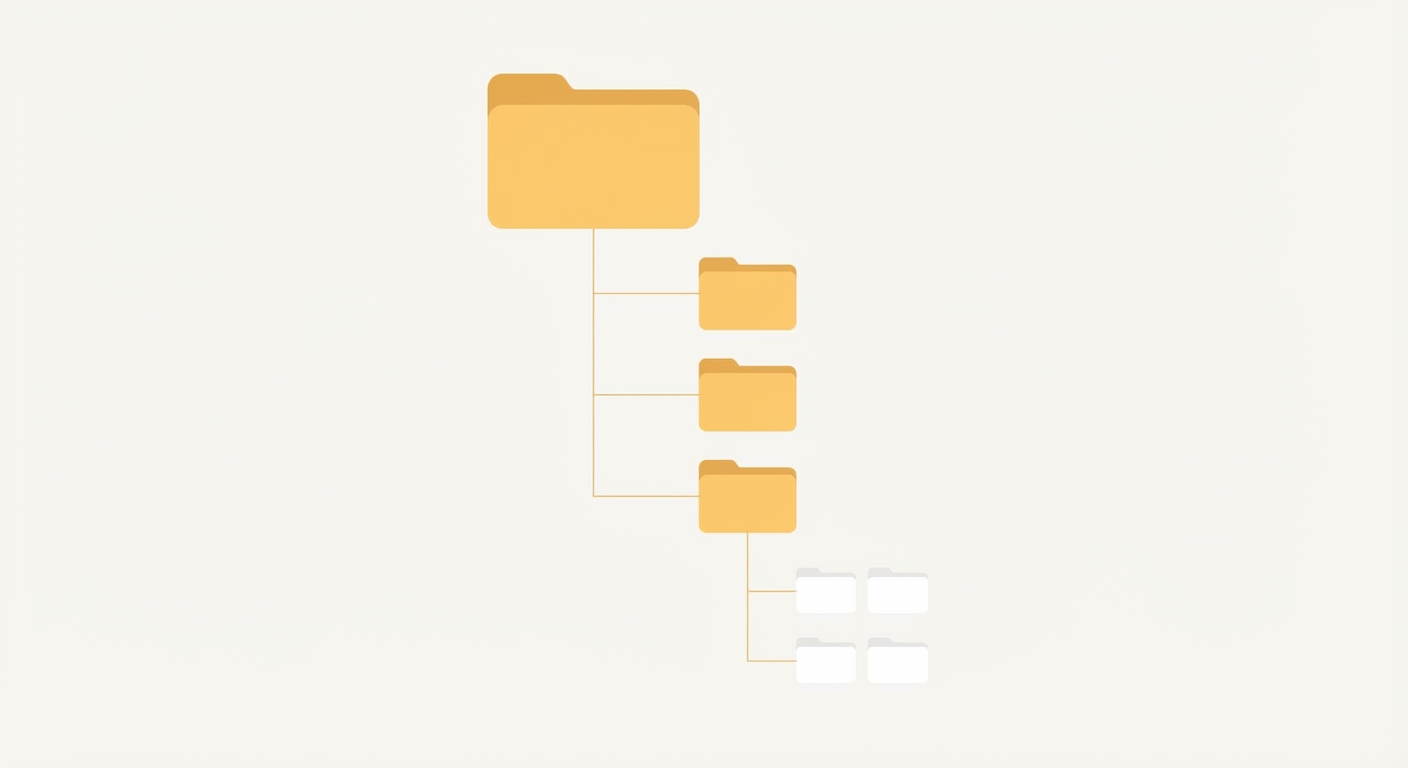
A skill is a markdown file (SKILL.md) that teaches AI agents how to perform specific tasks. It contains metadata in YAML frontmatter and instructions in the body. Here is how to create one:
- Identify your expertise - Find a workflow, API, or domain knowledge worth sharing
- Create SKILL.md - Write a markdown file with frontmatter (name, description, author, tags) and clear instructions
- Write a trigger description - The description field tells agents WHEN to activate your skill
- Test locally - Place your skill in
.claude/your-skill/SKILL.mdand verify it works - Submit for review - Upload at skillregistry.io/upload for approval
Once approved, anyone can install your skill with sr install your-skill-name. The entire process typically takes 1-2 hours for a simple skill.
You have been using skills to supercharge your AI workflows. Maybe you installed a Slack skill that handles message formatting perfectly. Perhaps the PostHog integration saved you hours of documentation reading. Now you are wondering: what if I could create something like that?
Good news: you can. And it is easier than you think.
Creating a skill does not require special tooling or deep expertise in AI systems. If you can write markdown and explain a workflow clearly, you can build a skill that helps thousands of developers work faster.
This guide walks you through every step, from identifying what to build to seeing your skill approved in the registry.
Why Create Skills?
Before diving into the how, let us talk about the why.
Share your hard-won expertise. You have spent hours figuring out that obscure API, debugging that edge case, or perfecting that workflow. A skill captures that knowledge in a format that AI agents can apply instantly. Instead of explaining the same thing in every chat, encode it once and share it forever.
Help the community level up. When you struggled with a problem, someone else is struggling with it right now. Your skill becomes their shortcut. The best skills come from real pain points that real developers face.
Build your portfolio. Published skills include your name and link back to your homepage. They showcase your expertise in specific domains and demonstrate your ability to communicate technical concepts clearly.
Make AI agents genuinely useful. Out of the box, AI assistants have general knowledge but lack specific operational context. Skills bridge that gap. Every skill you create makes the entire ecosystem more capable.
Anatomy of a Great Skill
Before writing code, you need to understand what makes a skill effective. Let us break down the core components.
The SKILL.md File
Every skill starts with a single file: SKILL.md. This file contains YAML frontmatter followed by markdown instructions.
---
name: weather
description: Fetch current weather and forecasts. Use when the user asks about weather conditions, temperature, or forecasts for any location.
author: Jane Developer
tags: [weather, api, forecast, conditions]
homepage: https://jane.dev
---

# Weather Skill

Instructions for the AI agent go here...
The frontmatter defines metadata. The body contains the actual instructions.
The Trigger Description (This is Critical)
The description field is not just a summary. It is the trigger mechanism that tells AI agents when to activate your skill. Get this wrong, and your skill sits unused no matter how good the instructions are.
A weak description:
description: A skill for weather data.
A strong description:
description: Fetch current weather and forecasts. Use when the user asks about weather conditions, temperature, or forecasts for any location.
The difference? The strong description explains WHEN to use the skill, not just WHAT it does. AI agents read these descriptions to decide whether to load the skill for a given task.
Description best practices:
- Start with what the skill does in active voice
- Follow with explicit activation triggers (“Use when…”)
- Keep it under 100 words
- Include key terms the user might mention
Clear, Focused Instructions
The skill body should be concise. Remember: context window space is precious. Every word you add takes space away from the user’s actual task.
What to include:
- Essential commands or API patterns
- Required inputs and expected outputs
- Common workflows (numbered steps work well)
- Edge cases that trip people up
What to leave out:
- README-style installation guides
- Verbose explanations of concepts Claude already knows
- Redundant examples
- Changelogs or version histories
A good rule: if Claude would already know it, do not include it.
When to Include Bundled Resources
Sometimes markdown instructions are not enough. You might need:
- Scripts: Executable code the agent can run
- References: API documentation or complex specifications
- Assets: Templates, configuration files, or data
The directory structure looks like this:
my-skill/
├── SKILL.md           # Required
├── scripts/           # Optional executable code
│   └── fetch_data.py
├── references/        # Optional documentation
│   └── api-docs.md
└── assets/            # Optional templates/configs
    └── config.json
Add bundled resources when:
- The task requires code the agent cannot reliably generate
- Official documentation is hard to find or frequently changes
- Templates ensure consistent output format
- Configuration reduces user setup friction
Skip bundled resources when:
- Instructions alone are sufficient
- The agent can generate the code from description
- External tools are well-documented
Step-by-Step Creation
Let us build a real skill together. We will create a simple skill for generating commit messages in a consistent format.
Step 1: Identify a Gap or Expertise
Ask yourself:
- What workflow do I repeat often?
- Where do AI agents struggle without guidance?
- What domain knowledge do I have that others lack?
For our example: developers often want consistent commit message formats, but AI agents default to generic styles. We can codify a specific convention.
Step 2: Create the Directory Structure
Start with the minimal structure:
mkdir commit-format
touch commit-format/SKILL.md
For simple skills, you only need the SKILL.md file. Add subdirectories later if needed.
Step 3: Write the SKILL.md
Here is our complete skill:
---
name: commit-format
description: Generate standardized git commit messages. Use when the user asks to commit changes, write commit messages, or prepare code for version control.
author: Your Name
tags: [git, commits, version-control, workflow]
homepage: https://yoursite.com
---

# Commit Message Format

Generate commit messages following the Conventional Commits specification.

## Format

\`\`\`
<type>(<scope>): <subject>

<body>
\`\`\`

## Types

| Type | Description |
|------|-------------|
| feat | New feature |
| fix | Bug fix |
| docs | Documentation only |
| style | Formatting, no code change |
| refactor | Code restructure, no behavior change |
| test | Adding or updating tests |
| chore | Maintenance tasks |

## Rules

1. Subject line: max 50 characters, imperative mood, no period
2. Scope: optional, lowercase (e.g., api, auth, ui)
3. Body: wrap at 72 characters, explain what and why

## Examples

Good:
\`\`\`
feat(auth): add OAuth2 login support

Implements Google and GitHub OAuth providers.
Users can now sign in without creating a password.
\`\`\`

Bad:
\`\`\`
Updated the login page
\`\`\`

## Workflow

1. Stage changes with \`git add\`
2. Run \`git diff --staged\` to review
3. Generate message following this format
4. Commit with \`git commit -m "..."\`
Notice what we included:
- Clear trigger description
- Concise format specification
- Quick-reference table
- Good and bad examples
- Simple workflow steps
Notice what we left out:
- How git works (Claude knows this)
- Why consistent commits matter (obvious to users)
- Installation instructions (skills auto-load)
Step 4: Test Locally
Place your skill in your project:
mkdir -p .claude/commit-format
cp commit-format/SKILL.md .claude/commit-format/
Now use Claude in that directory and ask it to write a commit message. Verify that:
- The skill activates when expected
- The output matches your format
- Edge cases are handled correctly
Test with various prompts:
- “Write a commit message for these changes”
- “Help me commit this bug fix”
- “Prepare my code for pushing”
If the skill does not activate, refine your description. If the output is wrong, adjust your instructions.
Step 5: Submit to Registry
Once tested, submit your skill at skillregistry.io/upload:
- Sign in with your GitHub account
- Enter your skill metadata (name, description, tags)
- Paste your SKILL.md content
- Click Submit for Review
An admin will review your skill for quality and approve it. Once approved, your skill becomes searchable and installable by anyone using:
sr install commit-format
Common Mistakes (What Makes Skills Fail Review)
Learn from others’ mistakes. Here is what causes skills to get rejected:
Vague descriptions. “A utility skill” tells the agent nothing. Be specific about triggers.
Bloated content. A 10,000-word skill wastes context window. Cut ruthlessly.
Missing the “when” factor. If your description only says what the skill does but not when to use it, agents cannot self-select.
Duplicating Claude’s knowledge. Do not explain how HTTP requests work or what JSON is. Assume intelligence.
Including user documentation. Skills are for AI agents, not humans. Save the prose for your README.
Overly complex requirements. If your skill requires 15 environment variables and 3 API keys, consider whether it is too niche for the registry.
Poor formatting. Inconsistent headers, broken code blocks, or walls of text make skills hard to parse.
Advanced Patterns
Once you have mastered basic skills, explore these advanced techniques.
Bundled Scripts for Complex Tasks
Some tasks require executable code. For example, an image generation skill might include a Python script:
image-gen/
├── SKILL.md
└── scripts/
    └── generate.py
In SKILL.md, reference the script:
## Usage

Run the generation script:
\`\`\`bash
python .claude/image-gen/scripts/generate.py --prompt "your prompt"
\`\`\`
When to use scripts:
- API interactions with complex authentication
- Data processing pipelines
- Tasks requiring specific libraries
- Operations with many edge cases
Reference Documentation
For skills that wrap APIs, include condensed documentation:
slack-api/
├── SKILL.md
└── references/
    └── api-methods.md
The skill loads SKILL.md automatically. Reference files load on demand when the agent needs deeper context.
Keep references focused:
- Extract only relevant sections from docs
- Format for AI consumption (tables, code blocks)
- Update when APIs change
Multi-Skill Ecosystems
Some domains warrant multiple related skills:
posthog/
├── nextjs-app-router/
│   └── SKILL.md
├── react-native/
│   └── SKILL.md
└── python/
    └── SKILL.md
Each skill focuses on one use case while sharing common patterns. Users install only what they need.
Consider multi-skill when:
- Different frameworks need different approaches
- Use cases are distinct but related
- A monolithic skill would be too large
Example Walkthrough: Creating a Note-Taking Skill
Let us build one more skill from scratch to solidify the process.
The problem: You want Claude to create notes in a consistent format with specific metadata.
Step 1: Define the scope
This skill will format notes for a markdown-based notes system. It should:
- Add consistent YAML frontmatter
- Format content with proper headers
- Tag notes automatically
Step 2: Write the skill
---
name: note-format
description: Format notes with YAML frontmatter and consistent structure. Use when creating notes, documenting meetings, or capturing ideas.
author: Your Name
tags: [notes, markdown, documentation, writing]
---

# Note Formatter

Create structured markdown notes with metadata.

## Template

\`\`\`markdown
---
title: Note Title
created: YYYY-MM-DD
tags: [tag1, tag2]
---

# Title

## Summary

Brief overview in 1-2 sentences.

## Details

Main content here.

## Action Items

- [ ] Task 1
- [ ] Task 2
\`\`\`

## Guidelines

- Title: descriptive, sentence case
- Created: ISO date format
- Tags: lowercase, relevant terms
- Summary: what this note captures
- Action items: if applicable

## Workflow

1. Ask for the note topic
2. Generate frontmatter with current date
3. Structure content with appropriate sections
4. Suggest relevant tags based on content
Step 3: Test it
Place in .claude/note-format/ and ask Claude:
- “Create a note about today’s standup meeting”
- “Document this API design decision”
- “Capture notes from my research session”
Step 4: Refine and submit
Adjust based on testing, then submit to the registry.
Your Turn
You now have everything you need to create and publish skills. The process is straightforward:
- Find a workflow worth sharing
- Write a focused SKILL.md with a strong trigger description
- Test locally until it works reliably
- Submit for review
Start small. Your first skill does not need to be revolutionary. A simple, well-crafted skill that solves one problem well is more valuable than a complex skill that tries to do everything.
The best skills come from real needs. Think about what you wished existed yesterday, then build it today.
Ready to contribute? Head to skillregistry.io/upload and share your expertise with the community.
Frequently Asked Questions
Related Resources
- What Are Skills? - Understand the fundamentals of AI skills and how they work
- Getting Started with Skills - Install your first skill in 60 seconds
- Mastering the CLI - Advanced CLI techniques for power users